A bill of quantities (BOQ) connects a room plan to a purchasing list. Each line should identify the furniture, the unit being counted and the specification that applies. Keep quantities traceable to rooms so omissions and duplicate counts are easier to find.
Begin with the room schedule
List each room or teaching zone and its intended use. Record the required number of student places, teacher positions and other furniture items. Have the responsible project team confirm circulation, accessibility and local requirements; this purchasing checklist is not a room-design approval.
Decide what counts as one unit
Use consistent units such as chair, desk or desk-and-chair set. For example, 10 rooms with 24 student places each gives 240 places. If the project specifies one individual desk and one chair per place, list 240 desks and 240 chairs, or 240 clearly defined sets—not both. These numbers are an illustrative calculation, not a Hongzhou order or capacity claim.
Link every line to a specification
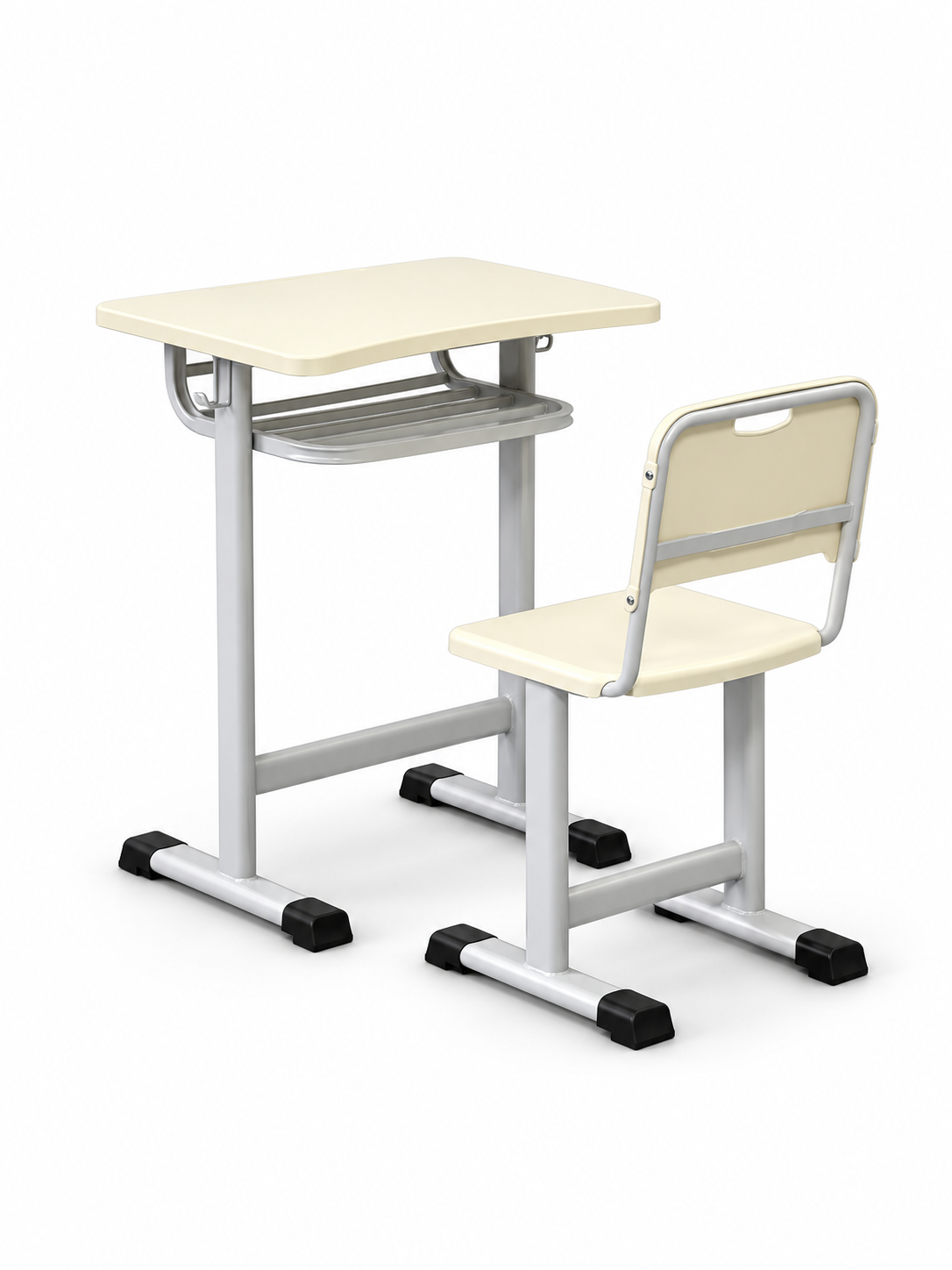
Include an item code, model or drawing reference and revision date. Hongzhou’s HZ-CT-N2-01 set and HZ-ST-625 chair are different product references; state whether you need a complete set or seating only. Check the relevant product page, then request confirmation of the configuration against your project requirements.
Add room allocations and separate optional items
Keep totals linked to the room schedule. Show teacher desks, storage, accessories, spare components and any project-approved spare quantity on separate lines. If colours vary by room, give each allocation a clear identifier. Do not bury optional quantities in a single unlabelled total.
Record delivery phases and site responsibilities
State which rooms or buildings require each delivery and the desired arrival sequence. Distinguish supply, unloading and assembly responsibilities. Ask the supplier to confirm packing labels and a feasible delivery proposal before treating the schedule as agreed.
Use this BOQ line format
Item code | Room/zone | Description | Model/drawing revision | Unit | Quantity | Mandatory requirements | Delivery phase | Status
Example only: CL-01 | Classroom A | Desk-and-chair set | HZ-CT-N2-01, configuration to confirm | set | project quantity | buyer specification | phase 1 | pending review
Check the BOQ before requesting quotations
Reconcile totals to the room schedule and check for duplicated chairs in both set and chair-only lines. Identify missing drawings or dimensions, and distinguish required standards from unverified supplier claims. Issue one dated BOQ revision to each supplier and track any later changes in a revision log.
Common buyer questions
Can a BOQ use a catalogue model as a reference?
Yes, if you also identify the required configuration and any deviations. Confirm the specification before it becomes an order requirement.
Should spare quantities be included automatically?
No. Ask the project team to approve spare quantities and list them separately so the purchasing total remains transparent.
Product and document references
HZ-CT-N2-01 desk-and-chair set · HZ-ST-625 chair · Product documentation. Website listings are configuration references; dimensions, materials, availability, reports and commercial terms must be confirmed for the order.
Share your project requirements
Tell us the model or reference, quantity, destination and required date. List any mandatory documents so we can review the requirements.
Or email [email protected]. For drawings or BOQ files, use email; the web form accepts text.